Deep Linking Explained: Types, Setup & Use Cases (2026)

What is deep linking?
Deep linking is the practice of using a URL to send a user directly to a specific screen, content piece, or state inside a mobile app, progressive web app (PWA), or website — instead of dropping them on the homepage. A deep link encodes both the destination identifier (a product ID, conversation, article) and any context the app needs to render that exact view.
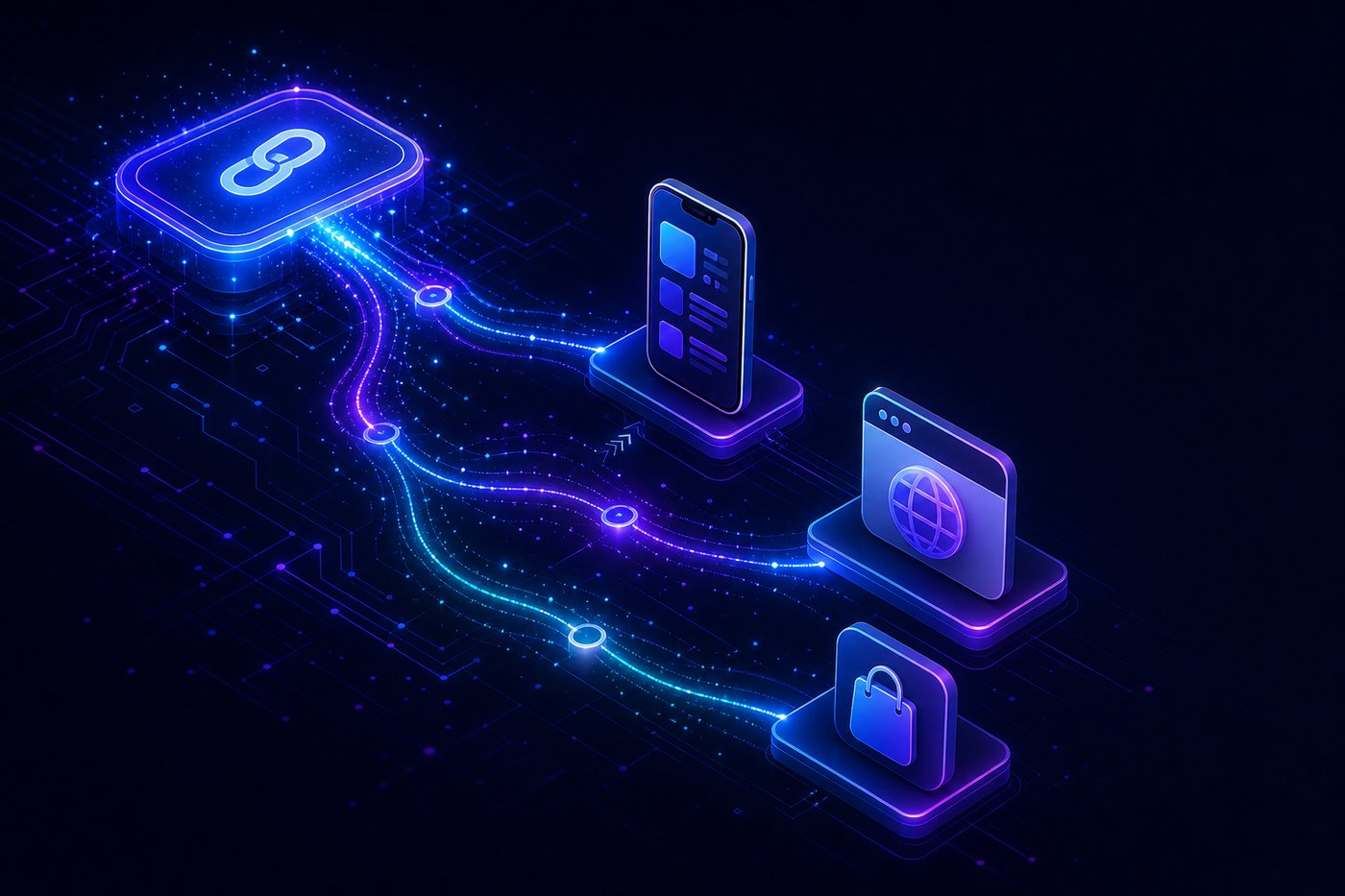
In 2026, deep linking spans three platforms simultaneously: native iOS apps via Universal Links, Android apps via App Links, and PWAs via web manifest scope and URL handlers. A single deep-link strategy has to cover all three.
The three most common implementations:
Standard deep link — opens the app at a specific page if the app is already installed
Deferred deep link — survives an app install: routes the user to the same in-app destination after they download the app for the first time
Contextual deep link — carries metadata (campaign source, referrer, custom payload) that lets the destination screen personalize the experience
Deep link vs regular URL: why it matters
A regular URL points to a web page. A deep link points to an experience that may live on three different surfaces (app / PWA / web) and needs to pick the right one based on what the user has installed and which device they are on.
The business impact:
Higher conversion — users dropped onto the homepage of a 50-screen app convert at one-third the rate of users routed straight to the relevant screen
Attribution — deep links carry campaign IDs through the install funnel, so you can attribute installs to specific ads, emails, or social posts
Retention — re-engagement campaigns (push, email, SMS) that open the relevant in-app screen retain 2–3x better than ones that open the homepage
Cross-channel continuity — a user clicking a WhatsApp message, an Instagram ad, or a Google search result lands at the same in-app destination regardless of channel
The three types of deep links
Standard deep link
A standard deep link routes a user to an in-app destination only if the app is already installed. If not, the link 404s or falls back to a web page. Useful for re-engagement campaigns aimed at your existing user base.
Example: myapp://product/123 or https://myapp.com/product/123 (when configured for Universal Links / App Links).
Deferred deep link
A deferred deep link survives an app install. The flow:
User clicks a link, doesn't have the app installed
Redirected to App Store or Google Play
Installs and opens the app for the first time
SDK fetches the original deep-link context from a deep-linking server
User is routed to the originally intended in-app screen, not the generic onboarding flow
This is the deep-link type that drives most paid-acquisition ROI — without it, every install starts from the homepage and conversion drops by 40–60%.
Contextual deep link
A contextual deep link carries arbitrary payload alongside the destination — campaign source, referral code, A/B variant, customer name, gift token, and so on. The destination screen reads the payload and personalizes. Most modern deep-linking SDKs (Branch, AppsFlyer OneLink, Adjust, Kochava) treat contextual deep linking as the default mode.
Common payload patterns:
campaign_idfor attributionreferrer_user_idfor invite flowscoupon_codefor one-tap discount applyvariantfor landing-page A/B testsnext_screenfor multi-step funnels
iOS Universal Links vs Android App Links
Both platforms moved away from custom URL schemes (myapp://) to associated-domain links (https://myapp.com/...). The mechanism is similar in spirit but the implementation details differ.
How iOS Universal Links work
Your app declares an Associated Domain (
applinks:myapp.com) in its entitlementsYou host a file at
https://myapp.com/.well-known/apple-app-site-association(AASA) listing which paths route to which app and team IDWhen iOS sees a tap on
https://myapp.com/product/123and the app is installed, it intercepts the URL and opens the app at the matching routeIf the app is not installed, the browser opens the same URL — so the same link serves both web and app users
How Android App Links work
Your app declares intent filters in
AndroidManifest.xmlforhttps://myapp.com/...withandroid:autoVerify="true"You host
https://myapp.com/.well-known/assetlinks.jsonlisting the app's package name and SHA-256 certificate fingerprintAndroid verifies link ownership at install time
Subsequent taps on verified URLs open the app directly, with no disambiguation prompt
Key differences
Verification cadence — iOS re-fetches AASA on every install and update; Android verifies once at install. Update your AASA cautiously — CDN caches can take 24–48 hours to refresh.
Fallback behavior — iOS opens the URL in Safari if the app is not installed. Android shows a chooser dialog when
autoVerifyfails.Custom-scheme support — both platforms still accept
myapp://for backwards compatibility, but Apple discourages it and Android no longer guarantees launch.Cross-app linking — iOS Universal Links work from Safari, Mail, Messages, and WhatsApp without issue. Android App Links work from most sources, but in-app browsers (Instagram, TikTok) sometimes capture the click and stay in-WebView — a recurring source of "the link didn't open the app" complaints.
Deep linking in the PWA era
PWAs are treated like web pages by deep-link infrastructure, with one important twist: once the user has installed the PWA to the home screen, taps on URLs within the PWA's scope (defined in manifest.json) open the installed PWA instead of the browser.
What this means for deep linking in 2026:
PWA-friendly deep links must be
https://URLs that match the PWA's scope — custom schemes don't apply to PWAsURL handlers (a manifest field) let a PWA register to handle URLs from other origins, but adoption is still uneven across browsers
Web Share Target lets a PWA appear as a share destination in OS share sheets — adjacent to deep linking, useful for re-engagement
No deferred install — there is no PWA equivalent of "the app store installed it, now restore context." PWA install is instant from the same URL the user is on, so context is preserved by default
For brands shipping both a native app AND a PWA, the right pattern is a single canonical https:// URL that resolves to the best surface available: installed PWA > native app > web page.
Marketing use cases for deep linking
Click-to-install attribution — deep links carry campaign IDs through the install funnel. Without them, you can't tell which ad drove which install at user level.
Email and SMS re-engagement — open links straight into the abandoned cart, the unread message, or the renewal screen
Social and influencer campaigns — Instagram and TikTok in-app browsers often hijack URLs; a deep link with proper App Links / Universal Links setup escapes the WebView and opens the real app
Cross-device handoffs — user starts a checkout on mobile web, deep link them to the same cart on the iOS app
WhatsApp and click-to-WhatsApp ads — pair WhatsApp templates with deep links to your PWA or app so the user lands inside the experience, not on a generic landing page
A/B testing — different campaign variants route to different landing screens via contextual deep-link payload
Common pitfalls
In-app browser hijacking — Instagram, TikTok, and WeChat in-app browsers may capture the click and load the URL in WebView instead of routing to the OS. Use Universal-Link-aware redirect services to force OS handoff.
iOS Safari intelligent tracking — Safari now blocks some cross-domain redirects that classic deep-link SDKs relied on. Use Apple's
SKAdNetworkor postback-style attribution instead of cookie-based identification.Custom-scheme rot —
myapp://schemes still work but increasingly fail silently. Migrate everything to associated-domain links.No fallback path — when the app is not installed and the user is not in a deep-link-aware browser, you need a web page that handles the same intent. Build the fallback first, not as an afterthought.
SDK lock-in — Branch, AppsFlyer OneLink, Adjust, and Kochava all do deep linking + attribution but with different SDK weights and contractual terms. Test fallback behavior before committing.
Building a deep-link infrastructure that scales
The hard part of deep linking is not the OS plumbing — it is the operational layer:
A single canonical short link per destination, mapped to all three surfaces (iOS / Android / PWA + web)
Server-side routing so you can change destinations without re-issuing links
Attribution that survives the install funnel with campaign, channel, and variant pinned through to the first in-app event
WhatsApp and ad-platform compatibility — short, branded URLs that pass WhatsApp link preview, Meta Ads safety checks, and Google Ads policy review
A/B variants on the same link so you can test landing screens without rebuilding campaigns
DeepClick provides this layer: branded short links that route between native app, installed PWA, and web fallback automatically, with end-to-end attribution back to Meta Ads, Google Ads, and AppsFlyer / Adjust. For teams running paid acquisition into PWAs or hybrid app/PWA experiences, this is usually the missing piece between "we have Universal Links set up" and "we can actually attribute and scale."
Frequently asked questions
What is the difference between a deep link and a URL?
A regular URL points to a web page. A deep link encodes a destination inside an app, PWA, or specific web-page state, and resolves to the best available surface (installed app, PWA, or web) based on the user's device and what they have installed.
Do deep links work without the app installed?
Standard deep links don't — they fail or fall back to the web. Deferred deep links do: they survive the app install and resume the original intent after first launch.
Are deep links still relevant in 2026 with PWAs?
Yes, and they're more important. PWAs add a third surface alongside iOS and Android apps, so a deep-link strategy has to route the user to the right one. A single canonical https:// URL is the cleanest approach.
How are iOS Universal Links different from Android App Links?
Mechanically very similar — both use https:// URLs verified via a well-known JSON file. iOS re-verifies on every install/update via apple-app-site-association; Android verifies once at install via assetlinks.json. Fallback behavior also differs: iOS opens Safari, Android shows a chooser.
What's the best deep-linking SDK?
Branch, AppsFlyer OneLink, Adjust, and Kochava all support deep linking + attribution. Choose based on existing attribution-platform fit, SDK weight, and how aggressively the SDK fights in-app browser hijacking on Instagram / TikTok / WeChat.
Can I use deep links in WhatsApp?
Yes. Use a branded short link in your WhatsApp template; WhatsApp will render a preview card, and the tap routes via Universal Links / App Links to the native app or PWA. Naked URLs work but have lower click-through rates than branded short links.
