Google Ads Bid Adjustments: Types, Ranges and Stacking (2026)


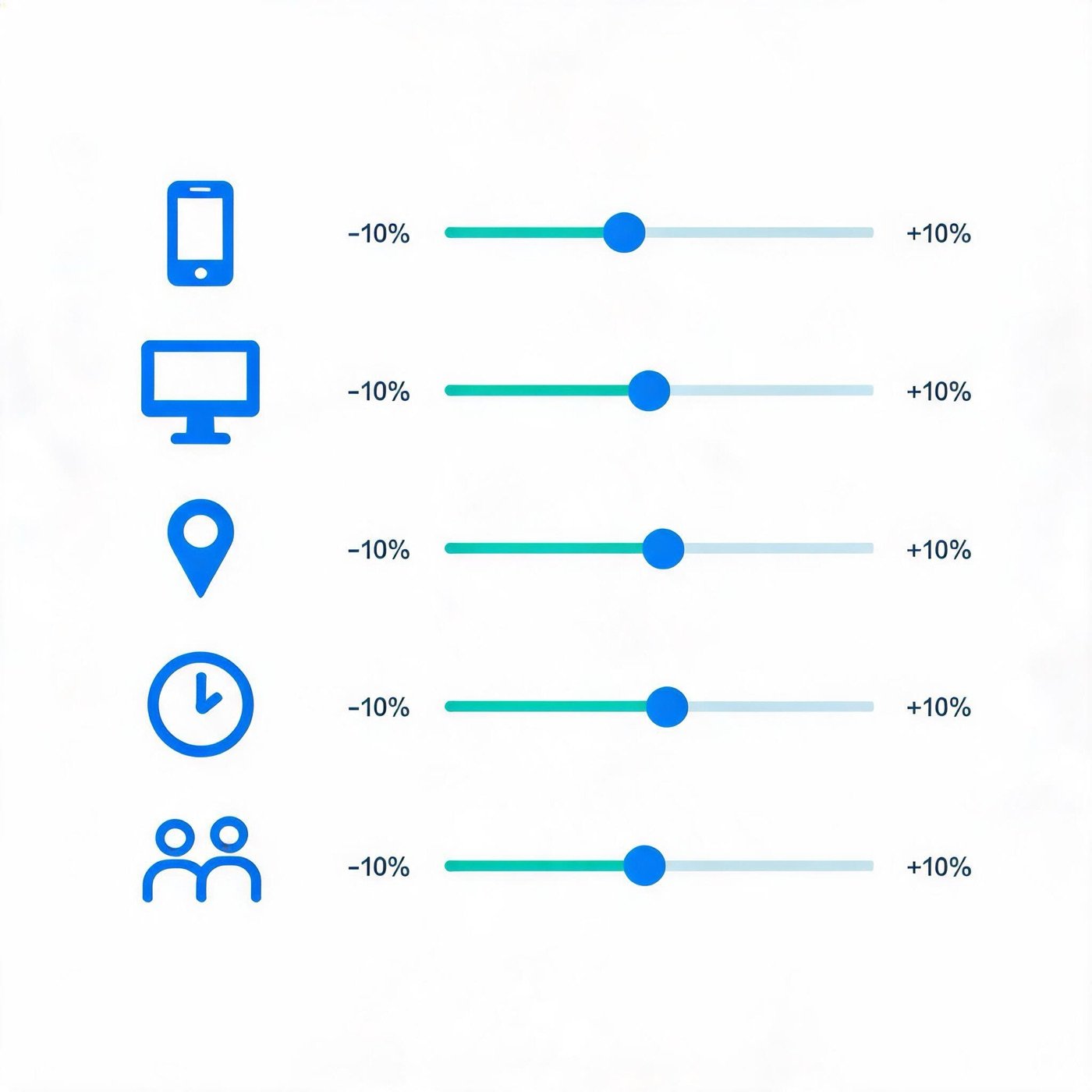
Google Ads bid adjustments are percentage changes, from -90% to +900% (-100% for devices), that raise or lower your bid for a device, location, time slot, audience or demographic. Several adjustments multiply together. They fully apply only under manual CPC and Maximize clicks; Smart Bidding ignores most of them.
That last sentence is where most confusion starts. Bid adjustments are an old and still useful control, but which ones apply depends on your campaign type and your bid strategy. This guide covers the types, the ranges, how several adjustments combine, and what is left of them once an automated strategy is in charge. Facts are from Google Ads Help as of September 2026.
How Google Ads bid adjustments work
A bid adjustment multiplies your base bid by a percentage for a given condition. Google Ads Help uses a simple example: a 1 USD max CPC with a +20% adjustment for mobile devices produces a 1.20 USD bid for searches on mobile. A decrease of 20% turns the same 1 USD bid into 0.80 USD.
Two consequences follow:
- An adjustment changes how often you show for that condition, not only what you pay. Higher bids make you eligible for more auctions.
- Because a raised bid opens more auctions, a campaign that was spending comfortably can become limited by budget after you add a positive adjustment. Google's troubleshooting article for the "Limited by budget" status names bid adjustments first in its list of causes. If you see it right after a change, either raise the budget or lower the adjustment. Our Google Ads budget pacing guide explains how that status is read.
Types of bid adjustments and their ranges
|
Adjustment type |
What it changes |
Where you set it |
Range |
|---|---|---|---|
|
Device |
Computers, tablets or mobile phones |
Campaign and ad group |
-100% to +900% |
|
Location |
Countries, cities or other areas you target |
Campaign |
-90% to +900% |
|
Ad schedule |
Days and hours in a custom ad schedule |
Campaign |
-90% to +900% |
|
Targeting methods |
Topics, placements and other targeting |
Campaign and ad group |
-90% to +900% |
|
Your data segments (Search) |
Remarketing lists for search ads |
Campaign and ad group |
-90% to +900% |
|
Interactions |
How often call assets and call-only ads show |
Campaign |
-90% to +900% |
|
Demographics |
Age, gender and household income |
Campaign and ad group |
-90% to +900% |
A few details matter in practice:
- Only device adjustments go to -100%. Setting a device to -100% stops ads on that device. Everything else bottoms out at -90%, so a location or time slot can be turned down but not switched off with an adjustment. To stop serving somewhere, change the targeting or schedule itself.
- Ad schedule adjustments need a custom schedule first. A campaign set to show "All day" has no time periods to adjust.
- Top content adjustments no longer exist. Older guides still mention them.
- Audience adjustments require Observation. A segment added with the Observation setting keeps your reach unchanged and lets you bid on it. The difference between Targeting and Observation is covered in our Google Ads audience targeting guide, so it is not repeated here.
In the interface, go to Campaigns, then the "Audiences, keywords, and content" menu for Locations, Ad schedule, Audiences, Content, Demographics and Advanced bid adjustments. Device adjustments sit under "Insights and reports", then "When and where ads showed". Select the row, click the pencil icon in the "Bid adj." column, choose Increase or Decrease and enter a percentage. To remove an adjustment, clear the value.
How multiple bid adjustments stack
When several adjustments apply to the same auction, Google Ads normally multiplies them. Take a 2.00 USD base bid, +30% for mobile and -20% for a weekend time slot:
2.00 × 1.30 × 0.80 = 2.08 USD
The adjustments do not add up to +10%. They compound. Google's own example works the same way: +20% for California and -50% for Saturday turns a 1 USD bid into 0.60 USD for a Saturday search in California.
Four exceptions and limits to remember:
- Combined cap. All adjustments together cannot raise a bid by more than 900%. A 1 USD bid with +900% for a device and +900% for a location still ends at 10 USD. The lowest combined result is -90%.
- Location: the most specific one wins. Adjustments for overlapping places are not combined. With +50% for France and +100% for Paris, a user in Paris gets only the Paris adjustment.
- Device: the ad group level wins. If you set a device adjustment at both campaign and ad group level, the ad group value is used. The exception is a campaign-level -100%: then the ad group value for that device is ignored and the device stays excluded.
- Different types still multiply. A device adjustment and an audience adjustment on the same auction compound, as in the example above.
Because of compounding, a stack of moderate adjustments can move a bid much further than any one of them suggests. Before you add a third or fourth layer, work out the extreme case: the device, location, time slot and audience that combine into the largest increase.
Which campaign types support bid adjustments
The table below summarises Google's availability chart for manual bid strategies.
|
Campaign type |
Bid adjustments available |
|---|---|
|
Search |
All seven types above |
|
Display |
Device, location, ad schedule, targeting methods, demographics |
|
Shopping |
Device, location, ad schedule, remarketing lists |
|
Video (YouTube) |
Device, location, ad schedule |
|
Hotel |
Device, location |
|
Travel |
Device |
|
Demand Gen |
None |
|
Performance Max, App, Smart campaigns |
None: Google AI sets bids |
Demand Gen matters here because Google is moving Display campaigns into it. The migration notes list bid adjustments among the features Demand Gen does not support. If your Display campaigns depend on adjustments, plan a replacement before migrating. Our Google Display Network guide lists the other features that do not carry over.
Bid adjustments with Smart Bidding
Google Ads Help is direct about this: with Target CPA, Target ROAS, Maximize conversions or Maximize conversion value, manual bid adjustments are not needed and are not supported, because the strategy already weighs signals like device, location and time in each auction. Here is how each adjustment type behaves under automated strategies:
|
Adjustment |
Maximize clicks |
Target impression share |
Target CPA |
Target ROAS, Maximize conversions, Maximize conversion value |
|---|---|---|---|---|
|
Device |
Applied |
-100% only |
Applied to the target |
-100% only |
|
Location, ad schedule, audiences, calls, demographics |
Applied |
Ignored |
Ignored |
Ignored |
Three points to take from this:
- Target CPA treats device adjustments differently. A device adjustment changes the CPA target, not the bid. With a 10 USD target, +40% for mobile means a 14 USD target on mobile. Google suggests removing old manual CPC adjustments when you switch to Target CPA.
- Ignored does not mean the setting stops working. Google notes that Smart Bidding still respects targeting and exclusions for each type. An ad schedule still limits when ads run. Only the percentage is dropped.
- Maximize clicks is the exception. It is the only automated strategy that applies location, schedule, audience, call and demographic adjustments.
If you switch to Smart Bidding, the controls that replace bid adjustments are the target, budget, seasonality adjustments and data exclusions. The Smart Bidding guide covers them. The Bid Target Adjustment Tool that appears in Google Ads in 2026 is a different feature: it helps you review and update tCPA or tROAS targets, not percentage adjustments. For choosing between those two targets, see Target CPA vs Target ROAS.
When manual bid adjustments are still worth using
Adjustments earn their place when you run manual CPC or Maximize clicks and have enough data to show a real difference between segments. A practical routine:
- Start from a segment report, not a hunch. Open "When and where ads showed" for devices and the Locations and Ad schedule pages. Compare cost per conversion across segments over a period long enough to cover conversion delay.
- Adjust only where the gap is clear and the volume is meaningful. A time slot with three conversions is not evidence.
- Base the size of the adjustment on the ratio. If mobile converts at roughly 80% of the campaign's value per click, a decrease around 20% is a reasonable starting point.
- Use -100% only for devices you truly want to exclude, for example when the destination does not work on that device. For locations and times, change the targeting instead.
- Recalculate the worst-case stack after each new layer, and check the budget status the next day.
- Review monthly. Segment performance shifts, and old adjustments become quiet distortions.
Adjustments are only as good as the conversion data behind them. If mobile conversions are lost somewhere between the click and the confirmation page, a device report will show mobile as weak, and an adjustment will cut exactly the traffic that is actually converting. It is worth confirming that tracking survives redirects and app handoffs on every device before acting on a device gap. DeepClick works on that part of the path: link routing and attribution continuity between the click and the conversion event.
FAQ
What is the range for bid adjustments in Google Ads?
Most bid adjustments range from -90% to +900%. Device adjustments go down to -100%, which excludes that device. When several adjustments combine, the total increase cannot exceed 900% and the total decrease cannot go below -90%, according to Google Ads Help.
Do bid adjustments work with Smart Bidding?
Mostly no. Target ROAS, Maximize conversions and Maximize conversion value only accept a -100% device adjustment. Target CPA also applies device adjustments, but to the CPA target rather than the bid. Location, schedule, audience, call and demographic adjustments are ignored by these strategies, while Maximize clicks still applies them.
How are multiple bid adjustments calculated?
They are multiplied. A 2.00 USD bid with +30% for mobile and -20% for a time slot becomes 2.00 × 1.30 × 0.80 = 2.08 USD. Overlapping location adjustments are the exception: only the most specific location applies.
Why is my campaign limited by budget after adding a bid adjustment?
A positive adjustment makes your ads eligible for more auctions, so the same daily budget can no longer cover all the traffic. Google recommends either raising the budget or reducing the adjustment to fit more clicks within the existing budget.
