What Is a Mobile Attribution SDK? A 2026 Integration Guide

What Is a Mobile Attribution SDK? A 2026 Integration Guide
Most teams shopping for a mobile attribution SDK think the hard part is picking a vendor. It isn't. The hard part is understanding what the SDK actually does inside your app, where it stops working, and how to wire it up so your install and event data is trustworthy on day one. This guide covers the mechanics, the integration steps, and the traps that quietly corrupt attribution data.
What a mobile attribution SDK actually does
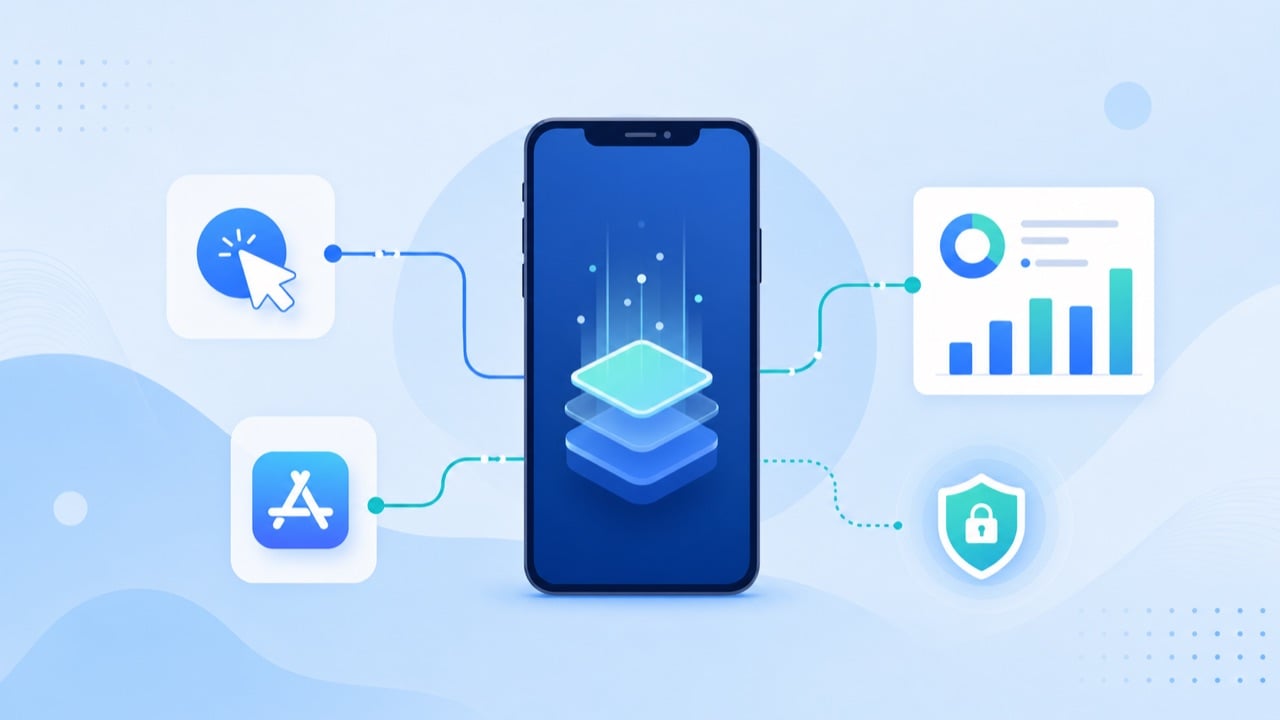
A mobile attribution SDK is a small library you embed in your iOS or Android app. Its job is narrow but critical: when a user opens your app for the first time, the SDK collects device and session signals, sends them to a Mobile Measurement Partner (MMP), and the MMP decides which ad click — if any — earned that install.
Three things happen under the hood:
- Install detection. On first launch, the SDK fingerprints the session and calls the MMP's endpoint. The MMP matches that install against recent ad-click records.
- Event forwarding. After install, the SDK forwards in-app events (registration, purchase, subscription) so post-install value can be tied back to the original source.
- Deep-link handling. The SDK resolves deferred deep links, so a user who taps an ad lands on the right screen even after installing from the store.
The SDK is only the client half. The matching logic, the dashboards, and the postbacks to ad networks all live on the MMP's servers. That split matters when you debug: a missing conversion is often a server-side postback issue, not an SDK bug.
SDK-based vs server-to-server attribution
You have two ways to feed an MMP: the SDK, or a server-to-server (S2S) integration where your backend sends events directly to the MMP's API.
|
Dimension |
Mobile attribution SDK |
Server-to-server (S2S) |
|---|---|---|
|
Setup effort |
Drop-in library, minutes |
Backend engineering per event |
|
Client signals (device, session) |
Collected automatically |
Must be passed manually |
|
Fraud resistance |
Weaker (client can be spoofed) |
Stronger (trusted backend) |
|
Best for |
Installs, deep links, standard events |
Validated purchases, revenue events |
In practice most apps run a hybrid: the mobile attribution SDK handles install detection and deep links, while high-value revenue events are sent S2S from your server so they can't be faked by a compromised client. If you only do one, start with the SDK — you can layer S2S validation on later.
The five-step integration checklist
Every MMP's docs differ, but the sequence is the same:
- Add the SDK via your package manager (Swift Package Manager / Gradle) and initialize it with your app token at the earliest point in the app lifecycle.
- Configure the MMP dashboard with your app IDs, then connect your ad networks (Meta, TikTok, Google) so postbacks flow.
- Map your events. Decide which in-app actions matter, name them consistently, and register them in the MMP before you fire them.
- Handle consent and ATT. On iOS, request App Tracking Transparency before the SDK sends identifiers, and gate on the user's choice.
- Test end to end with the MMP's debug mode: trigger a test install, confirm the attribution record, fire each event, and check it lands in the dashboard.
Skipping step 3 is the most common cause of "my events don't show up." Unregistered events are silently dropped.
Where the SDK stops working: SKAdNetwork, ATT, and the web gap
A mobile attribution SDK was designed for a world where device identifiers were freely available. That world is gone.
- ATT (App Tracking Transparency). If a user declines tracking on iOS, the SDK can't access the IDFA. Deterministic matching falls back to Apple's privacy-preserving SKAdNetwork (and now AdAttributionKit), which delivers aggregated, delayed, and coarse conversion data — not the per-user detail teams expect.
- Aggregated postbacks. SKAdNetwork conversion values are limited and time-boxed. Your SDK reports them, but you're modeling within tight constraints.
- The web-to-app gap. SDKs live inside the app. Any pre-install journey that happens on the mobile web — a landing page, a click-through, a PWA — is invisible to the SDK until the app is installed and opened. If a meaningful share of your funnel runs on the web, SDK-only attribution has a blind spot.
That last point is where a post-click layer earns its keep. Tools like DeepClick sit between the ad click and the app store, so the pre-install web session is measured and optimized instead of lost. For a broader view of the category, see our roundup of the best post-click optimization tools.
Choosing a mobile attribution SDK
Weigh five things, in order:
- SKAdNetwork / AdAttributionKit maturity — this is where most real measurement now happens on iOS.
- SDK size and performance — a bloated SDK hurts launch time and crash rates.
- Fraud protection — client-side signals are spoofable; you want validation built in.
- Ad-network coverage — confirm your actual spend channels have native integrations.
- S2S support — you'll want it for revenue events sooner than you think.
Ignore vanity feature lists. The SDK that models SKAdNetwork well and doesn't slow your app beats the one with the longest integration catalog.
Frequently asked questions
Do I need an SDK if I only run SKAdNetwork campaigns? Yes. The SDK is still how you register conversion values and forward events; SKAdNetwork is the transport, not a replacement for the client library.
Can one SDK cover both iOS and Android? The MMP is the same, but you integrate a platform-specific build for each. Event names should be kept identical across both so reporting lines up.
Does the SDK slow down my app? A well-built one adds negligible overhead if initialized correctly. Initialize once, early, and avoid firing redundant events.
What about web traffic before the install? The SDK can't see it. Pair the SDK with a post-click web layer to close that gap.
Key takeaways
A mobile attribution SDK is the client that reports installs and events to your MMP — powerful, but scoped to what happens inside the app. Integrate it in the right order, register your events, respect ATT, and lean on SKAdNetwork modeling for iOS. For anything that happens on the web before the install, add a post-click layer so your attribution picture isn't missing its first chapter.
