PWA on iPhone: How It Works, What's Limited, and How to Get Users to Install (2026)

PWA on iPhone: How It Works, What's Limited, and How to Get Users to Install (2026)
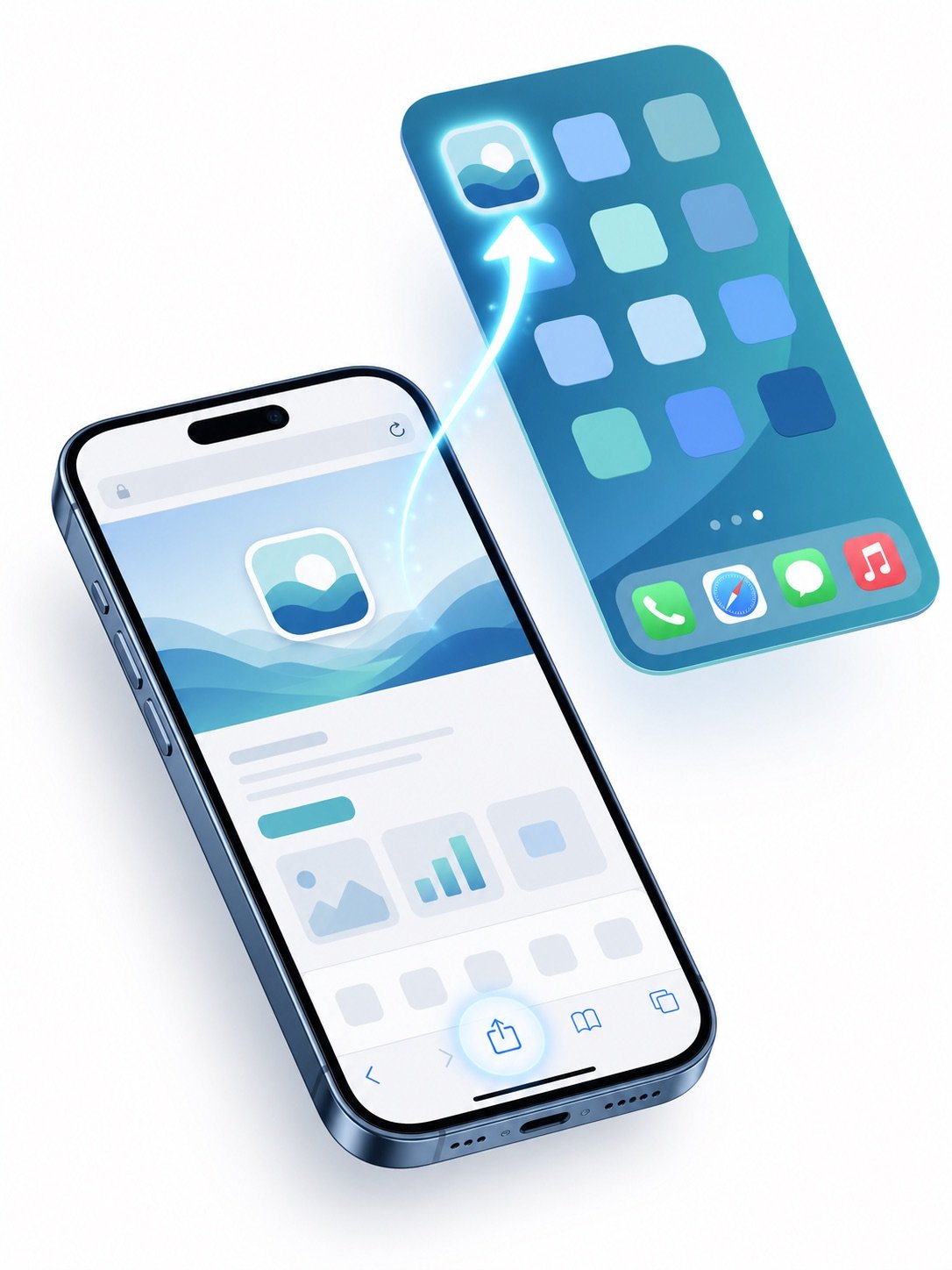
A PWA on iPhone installs through Safari's "Add to Home Screen" action: the site saves to the home screen with its own icon and opens full-screen like an app, with no App Store listing or review involved. Since iOS 16.4, installed PWAs can also receive push notifications, closing the biggest historical gap with Android.
That is the short version. The longer version — what actually works on iOS, what stays limited, and how to get real users through the install flow — is where campaigns succeed or quietly bleed installs. This guide covers all three.
How PWA Installation Works on iPhone
There is no install dialog or store page. The flow is manual:
- The user opens your site in Safari.
- They tap the Share button, then Add to Home Screen.
- iOS reads your web app manifest — name, icon,
display: standalone— and places the app icon on the home screen. - Launching from that icon opens the PWA in its own full-screen context, without Safari's browser chrome.
Two implications follow. First, your manifest and icons must be correct up front, because iOS shows what the manifest declares. Second, the user has to perform the steps themselves — there is no automatic prompt equivalent to Android's install banner, which is why install guidance UX (below) matters so much on iOS.
What an Installed PWA Can Do on iOS
The capability picture on iPhone is better than its reputation, but the limits are real:
- Push notifications — supported for installed PWAs since iOS 16.4. The PWA must be added to the home screen first; web push from a regular Safari tab is not a thing on iOS.
- Offline support — service workers work; cached assets and offline pages behave as expected. Storage, however, lives under WebKit's quotas and can be evicted when the system reclaims space, so treat local data as a cache rather than a database.
- Full-screen standalone display — honored via the manifest; the app feels native at launch.
- Background work — heavily restricted. Long-running background sync and timers are not something to build a feature around on iOS.
- One engine for everyone — every browser on iOS runs on WebKit, so PWA behavior is consistent across Safari and third-party browsers, for better and for worse.
The strategic upside sits outside the technical list: a PWA reaches iPhone users without App Store review, listing, or update cycles — the distribution logic laid out in Progressive Web Apps for Advertising.
The Install-Guidance Problem (and How Campaigns Solve It)
Because iOS never prompts, conversion depends on your page teaching the tap-Share-then-Add flow at the right moment. The patterns that hold up in paid traffic:
- Show guidance after intent, not on arrival. An overlay that appears once the user has engaged converts better than an interstitial that greets cold traffic.
- Illustrate the two taps. A short animated pointer to the Share icon outperforms text instructions; most users have simply never used Add to Home Screen.
- Detect the context. In-app browsers inside social apps often hide or bury the Share action — route those sessions to Safari first, or the instructions describe buttons the user cannot see.
- Measure the funnel. Landing → guidance shown → returned via home-screen icon is a measurable sequence; treat drops at each step as separate problems. This is standard post-click territory — the same discipline as any post-click optimization work.
iPhone vs. Android: the Differences That Change Your Numbers
- Android offers install prompts and WebAPK packaging, so install friction is structurally lower; expect iOS install rates to trail Android on identical creative.
- iOS push requires the home-screen install first, so notification-based retention strategies only reach users who complete installation — sequence your funnel accordingly.
- On the SEO side, an installed PWA is still your website — same URLs, same rankings. Technical crawlability considerations are covered in SEO for Progressive Web Apps.
FAQ
Can a PWA send push notifications on iPhone?
Yes — since iOS 16.4, but only after the user adds the PWA to their home screen. Notification permission is then requested from the installed app, not from a Safari tab.
Does a PWA on iPhone work offline?
Yes. Service workers and cache storage function normally, though WebKit may evict stored data under storage pressure, so critical state belongs on your server.
How is an iPhone PWA different from an App Store app?
It installs from the browser instead of the store, skips review entirely, updates instantly on your server's schedule, and cannot use native-only APIs. For content and commerce experiences the gap is small; for hardware-heavy apps it remains decisive.
Why don't my iOS users install the PWA?
Usually because nothing tells them how. iOS shows no automatic prompt, so without an explicit Share → Add to Home Screen guide at a well-chosen moment, most visitors never discover that installation exists.
