Telegram Group vs Channel: What's the Difference and Which Should You Choose?

Telegram Group vs Channel: What's the Difference and Which Should You Choose?
If you are setting up a Telegram presence for a brand, a community, or a side project, the first decision Telegram forces on you is also the most confusing one: group or channel? They look similar in the app, they both hold unlimited members, and both are free. But they behave in almost opposite ways, and picking the wrong one costs you months of rebuilding.
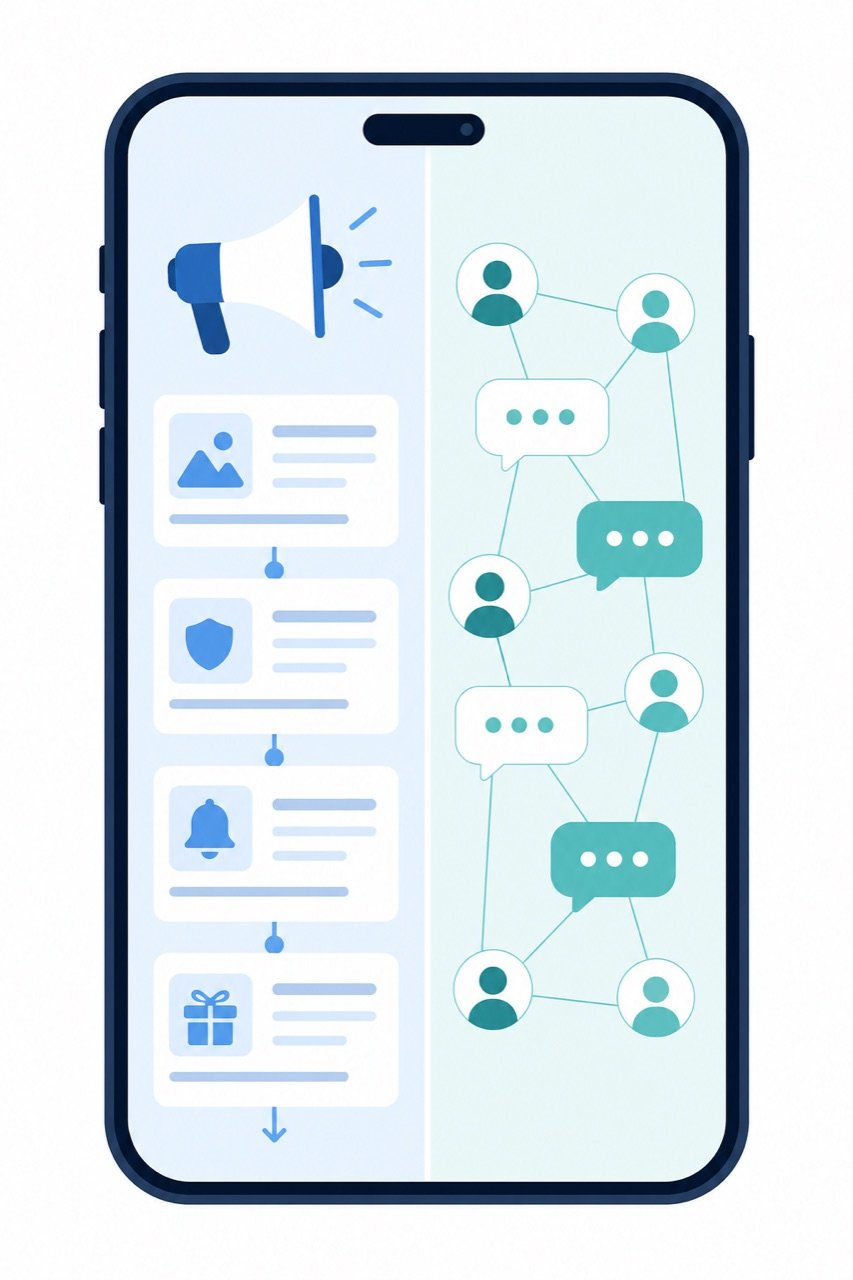
Here is the short version: a Telegram channel is a broadcast — one voice, many listeners. A Telegram group is a conversation — many voices, everyone talking. Everything else follows from that single difference.
What a Telegram channel actually is
A channel is a one-way publishing feed. Only admins can post. Subscribers see the posts in their chat list exactly like a normal chat, but they cannot reply inside the feed (they can only react with emoji, or comment if you attach a discussion group).
Key characteristics:
- Unlimited subscribers. No member cap, ever.
- Only admins post. Zero moderation overhead from members.
- Subscriber list is hidden. Members cannot see who else is subscribed — useful for privacy, and it stops competitors from scraping your audience.
- View counts per post. Each post shows how many people saw it. This is the single best analytics signal Telegram gives you natively.
- Posts are editable after publishing. You can fix a typo in a post that already reached 50,000 people.
- Silent posting. You can send without triggering a notification.
Channels are the closest thing Telegram has to a newsletter or an RSS feed.
What a Telegram group actually is
A group is a many-to-many chat room. Every member can post by default, and you dial permissions down from there.
Key characteristics:
- Up to 200,000 members in a supergroup.
- Everyone can post unless you restrict them.
- Member list is visible to other members (unless restricted by admins).
- Threads, replies, pinned messages, polls, topics. Groups support Telegram Topics, which splits one group into sub-forums — this is what makes large groups survivable.
- Rich admin tooling. Slow mode, anti-spam bots, join requests, approval queues, keyword filters.
- No per-message view counts. You get member count and activity, not reach.
Groups are the closest thing Telegram has to a Discord server or a forum.
Telegram group vs channel: side-by-side
|
Dimension |
Channel |
Group |
|---|---|---|
|
Who can post |
Admins only |
All members (configurable) |
|
Member limit |
Unlimited |
200,000 |
|
Member list visibility |
Hidden |
Visible |
|
Per-post view count |
Yes |
No |
|
Member-to-member interaction |
No (comments only via linked group) |
Yes, native |
|
Moderation workload |
Very low |
High, scales with size |
|
Best analytics signal |
Views per post |
Active members, messages/day |
|
Typical use |
Announcements, media, publishing |
Community, support, discussion |
|
Spam exposure |
Low |
High without moderation tools |
Which one should you choose?
Pick based on what you want the audience to do, not on which sounds bigger.
Choose a channel if:
- You are publishing content on a schedule — news, drops, market updates, tutorials, release notes.
- You want measurable reach. View counts per post let you see which topics actually land.
- You have a small team and cannot moderate a live chat room every day.
- Your audience is broad and does not know each other. Strangers do not form a community just because you put them in one room.
Choose a group if:
- The value comes from members talking to each other — peer support, feedback, local meetups, study cohorts.
- You need a support channel where people ask questions and get answers.
- Your audience is small enough to feel like a room, or you are willing to invest in moderation and Topics.
Choose both if you are past the earliest stage. This is the setup most mature Telegram presences converge on.
The hybrid setup most brands end up using
Telegram lets you attach a discussion group to a channel. When you do, every channel post automatically gets a "Comments" button, and comments live in the linked group.
This gives you the best of both:
- The channel stays clean and readable — a scrollable archive of your actual content.
- Discussion happens in the linked group, where it cannot bury your posts.
- You still get per-post view counts on the channel side.
- Newcomers can lurk in the channel without being thrown into a noisy chat.
Practical setup: create the channel first, create the group second, then link them in Channel → Manage → Discussion. Do it early — migrating an established community later is painful because members do not follow links reliably.
Common mistakes worth avoiding
Starting with a group because "engagement is better." An empty group is worse than an empty channel. Groups need a critical mass of active members before conversation is self-sustaining; below that threshold, a group of 300 silent people looks dead, while a channel of 300 readers looks fine.
Opening a group with no moderation plan. Unmoderated Telegram groups attract spam and scam links within days. At minimum: enable join requests, turn on slow mode, and add an anti-spam bot before you promote the link anywhere.
Using a channel and then wondering why nobody replies. They structurally cannot. If you want replies, link a discussion group.
Ignoring Topics in large groups. Once a group passes a few thousand members, a single flat chat becomes unusable. Topics split it into sub-forums and dramatically extend the group's useful life.
Never checking view counts. Channels give you reach data for free. If a post type consistently underperforms, that is a content signal, not a Telegram problem.
How growth differs between the two
Channels and groups grow through different mechanics.
Channels grow mostly through sharing — a single post forwarded into other chats carries a link back to your channel, and Telegram shows the origin. Content that is worth forwarding is the main growth engine. Channel links are also easy to embed in bios, websites, and other platforms.
Groups grow mostly through invitation and retention — people join because someone they trust is already inside, and they stay because the room is active. A group's growth is capped less by discovery and more by whether new members see activity in the first 24 hours after joining.
This is why a channel-first strategy is usually easier for a brand starting from zero: you can publish valuable posts before you have any community at all, and forwarding does the discovery work. A group needs the community to already exist in some form.
A simple decision rule
Ask one question: if members could not talk to each other, would this still be worth joining?
- Yes → channel.
- No → group.
- "Mostly yes, but discussion adds a lot" → channel with a linked discussion group.
Getting the first audience is the hard part
Whichever structure you pick, the mechanics are the easy half. The hard half is that both a channel and a group look inert until there is visible activity — subscriber counts, post views, message volume — and new visitors read that activity as a signal of whether the space is worth their attention. Cold-start is a real constraint on Telegram, the same way it is on every social platform.
That is the gap FlowRise360 is built for: a social media marketing panel covering 15+ platforms, with gradual delivery pacing and no account password required — you provide a public link, not credentials. It is one input among many; the content structure decisions above still do the heavy lifting.
For a related walkthrough of platform-specific growth mechanics, see our guides on Instagram Reels views and YouTube Shorts cold start.
Frequently asked questions
Can I convert a Telegram group into a channel? No. There is no native conversion in either direction. You have to create the new one and migrate members manually, which is why the initial choice matters.
Can a channel have more than one admin? Yes, and admin permissions are granular — you can grant post-only rights without giving someone the ability to edit channel settings or add other admins.
Do channel subscribers see each other? No. The subscriber list is hidden from members. Only admins see subscriber counts and limited stats.
Which one ranks better in Telegram search? Both are discoverable by name and username. Public channels and public groups both need a unique @username to be searchable; private ones are invite-link only.
Is there a member limit on channels? No. Channels are unlimited. Groups cap at 200,000 members.
