Advertising Monitoring Tools in 2026: What to Monitor and Which Type You Actually Need

Advertising Monitoring Tools in 2026: What to Monitor and Which Type You Actually Need
"Advertising monitoring" is one of those phrases that means five different things depending on who says it. A brand team means where our ads appear. A performance team means did spend do something strange overnight. A competitive researcher means what creative are our rivals running. All three go shopping for advertising monitoring tools and end up comparing products that do not overlap at all.
This guide separates the categories, explains what each one can and cannot see, and gives a way to decide which you need before you start collecting demos.
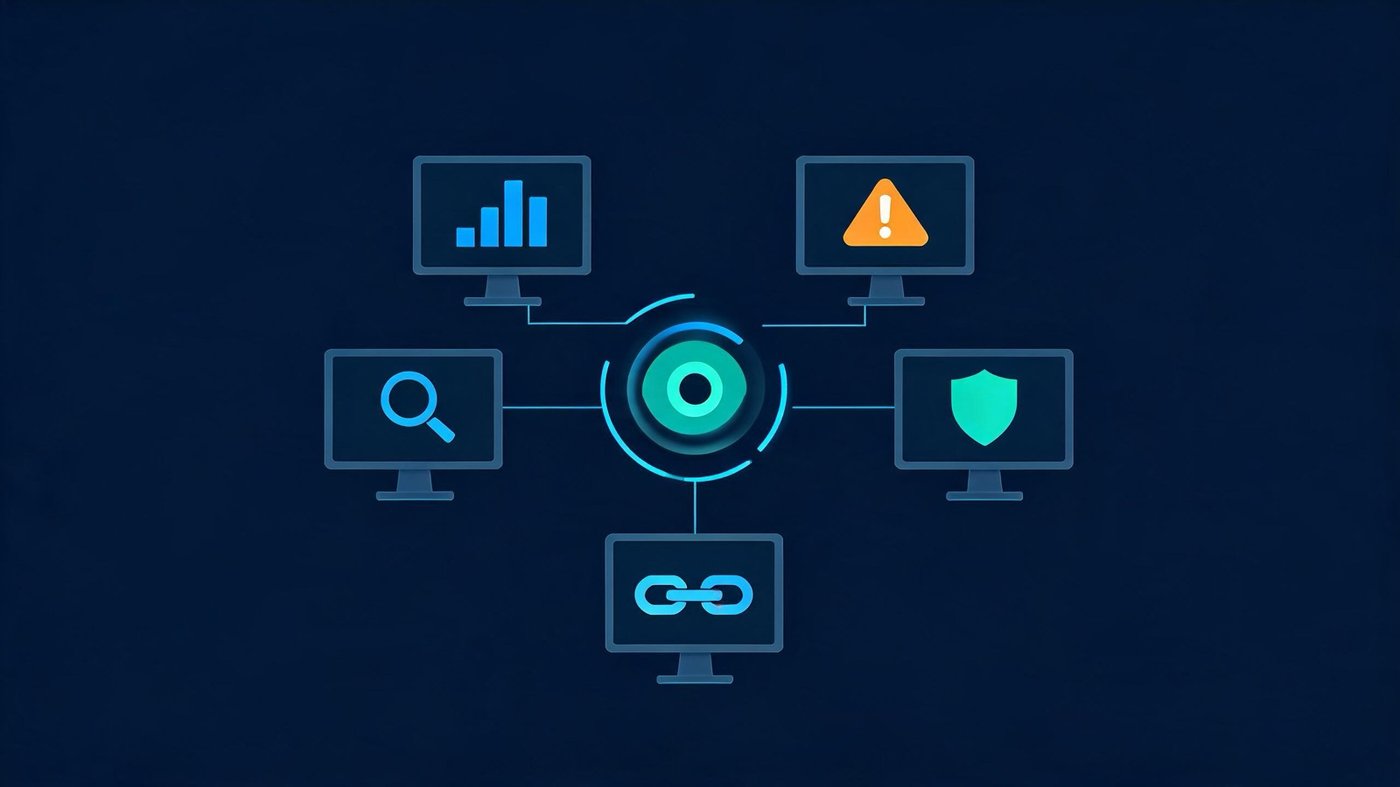
The five categories, and what each actually watches
1. Competitive ad intelligence
Watches: creative, copy, and (estimated) spend of other advertisers.
These tools index ads across platforms and let you search by brand, keyword or vertical. Some are free and first-party — Meta's Ad Library and TikTok's Creative Center both let you browse live ads directly. Paid tools add estimated spend, historical archives and cross-network coverage.
The critical caveat: spend figures from third-party intelligence tools are modelled estimates, not observed numbers. They are useful for direction and relative comparison, and unreliable as absolutes. Treat a competitor's "$40k/month" as an order of magnitude.
2. Ad verification and brand safety
Watches: whether your ads actually rendered, to a human, in an appropriate context.
This is the category that answers was the impression real — viewability, invalid traffic, adjacency to unsuitable content, geographic delivery. It matters most for programmatic display and video, where you are buying inventory you never see. For search and social buying inside walled gardens it matters considerably less.
3. Performance and anomaly monitoring
Watches: your own campaign metrics, for changes that need a human.
The value here is not the dashboard — every ad platform has one. It is the alerting: budget pacing off track, CPA doubling overnight, a campaign that stopped delivering, a suddenly disapproved ad. Some teams buy a tool; many build this on top of platform APIs plus whatever their BI stack already runs. If you buy, judge it on alert quality and false-positive rate, not on chart count.
4. Ad policy and account health monitoring
Watches: disapprovals, policy flags, and account standing.
Ad platforms notify you, but inconsistently and often inside an interface nobody checks daily. For teams running many accounts or many creatives, catching a disapproval within an hour instead of a day is a real money difference.
5. Post-click and landing-path monitoring
Watches: what happens between the click and the rendered page.
This is the category most teams do not know exists, and it is where a surprising share of paid traffic quietly dies: a redirect hop that fails on mobile, a landing page that times out in one region, a tracking parameter stripped somewhere in the chain, a page that returns fine to your desk and something else to real traffic.
Ad platforms do not report this — from their side the click was delivered and billed. Analytics does not report it either, because the session that never arrived never fired a tag. It sits in a genuine blind spot between the two, which is the layer DeepClick exists to instrument.
What advertising monitoring is not
It is worth drawing one line clearly, because it causes most of the mis-purchases:
Advertising monitoring is not social media monitoring. Social listening tools track brand mentions, sentiment and conversation across social platforms and the open web. They are excellent at that, and they are not built to tell you what creative a competitor is running or whether your CPA moved. If conversation and sentiment is what you actually need, our social media monitoring tools comparison covers that category properly, and the social listening cost breakdown covers pricing.
The two categories are often sold by the same vendors under overlapping marketing language, which is exactly why the distinction is worth holding onto during a procurement cycle.
How to decide what you need
Work backwards from the decision you cannot currently make:
|
If you cannot answer… |
You need |
|---|---|
|
"What are competitors running right now?" |
Competitive ad intelligence (start with the free first-party libraries) |
|
"Did a real person see this impression?" |
Ad verification (mainly for programmatic display/video) |
|
"Why did CPA spike last night?" |
Performance and anomaly alerting |
|
"Which of our 200 ads just got disapproved?" |
Policy and account health monitoring |
|
"Why is click volume high but session volume low?" |
Post-click and landing-path monitoring |
Two practical rules:
- Start with the free tier of the category you need most. Meta Ad Library, TikTok Creative Center, and platform-native alerts cover a meaningful share of the need at zero cost. Buy only what those cannot do.
- Do not buy a category to solve a problem from a different category. Competitive intelligence will not explain your CPA. Verification will not find your broken redirect. This sounds obvious and is the single most common procurement mistake in this space.
Evaluation checklist
When you do compare vendors within one category:
- Coverage — which platforms, which countries, how far back does history go.
- Estimated vs observed — for every number in the demo, ask which one it is. Insist on the answer.
- Alert latency and false-positive rate — a monitoring tool that cries wolf gets muted within two weeks, after which you are paying for nothing.
- Data export — can you get raw data out, or is the value trapped in their UI.
- Attribution overlap — does it duplicate what your analytics or attribution stack already reports.
- Seat and volume pricing — most contracts in this space bill on one or the other, and the two models diverge sharply at scale.
A minimum viable setup
For most performance teams, a workable stack is smaller than the vendor landscape suggests:
- Free first-party ad libraries for competitive research, checked on a cadence rather than continuously.
- Platform-native alerts plus one anomaly rule per campaign group for spend and CPA.
- A daily automated check on account standing and disapprovals.
- Continuous monitoring of the post-click path, because it is the only one of the five where failure is both invisible and directly billed to you.
Add paid tools in the categories where that baseline demonstrably fails, and not before.
FAQ
What is the difference between advertising monitoring and social media monitoring?
Advertising monitoring tracks ads — competitor creative, your delivery, your ad performance and policy status. Social media monitoring tracks conversation — mentions, sentiment, share of voice. Different data, different vendors, frequently confused.
Are competitor ad spend figures accurate?
No, they are modelled estimates. They are useful for relative comparison and trend direction, but should not be treated as observed spend.
Do I need a paid tool to monitor competitor ads?
Often not. Meta's Ad Library and TikTok's Creative Center let you browse live ads for free. Paid tools add history, cross-platform coverage and spend estimates — worth it at scale, overkill for a single-platform advertiser.
What does ad verification actually catch?
Viewability, invalid traffic, geographic mis-delivery, and unsuitable content adjacency. It matters most for programmatic display and video buying, and much less inside walled-garden platforms.
Why does my ad platform report more clicks than my analytics reports sessions?
Some gap is structural — bot filtering differences, tracking parameter loss, users leaving before the page loads. A large or growing gap usually means something in the post-click path is failing, which is what landing-path monitoring is for.
