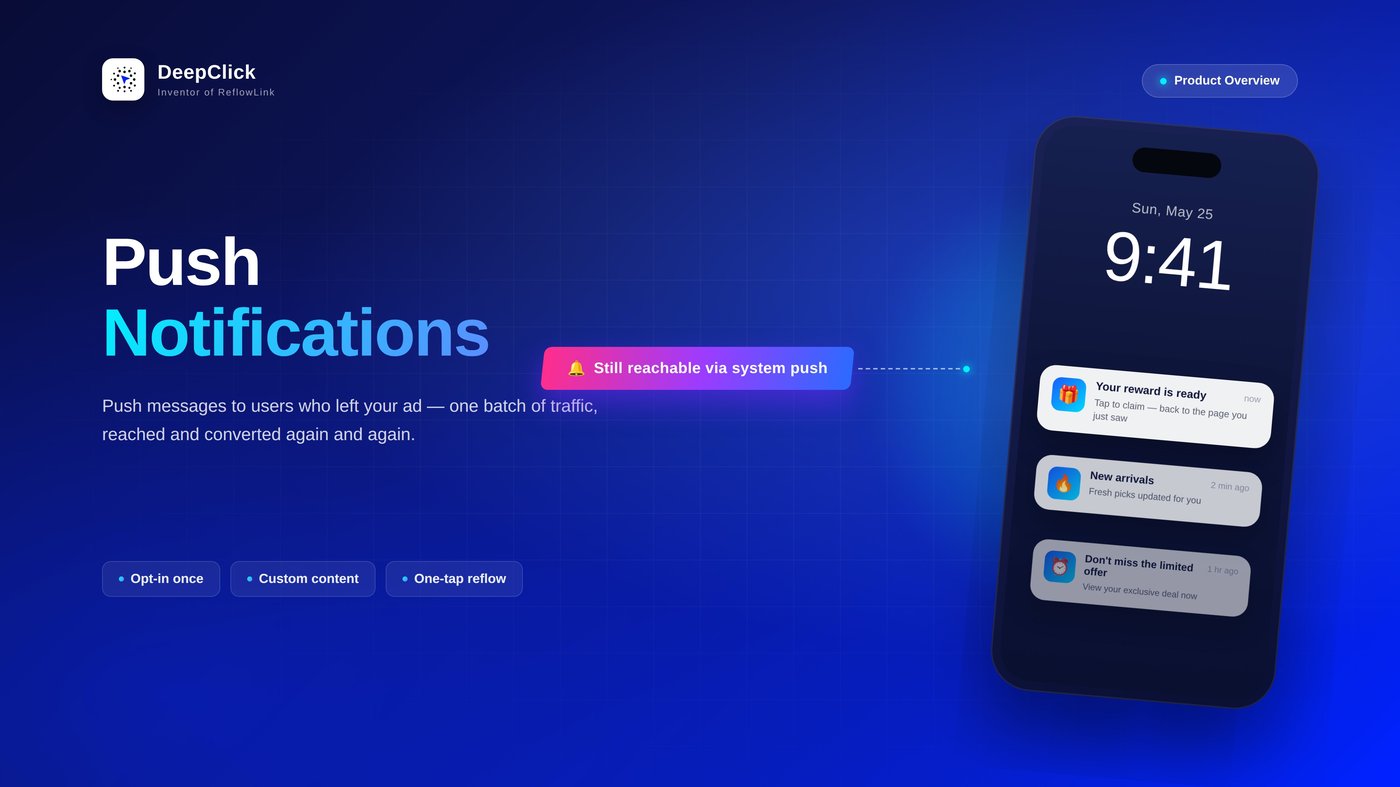
Push Notifications: Push messages to users who left ads

⚡ TL;DR: Once a user opts in on your reflow link's landing page, you can send a push at any time to bring them back to your page for a second conversion.
📖 Ready to set it up? See the companion guide: Push Notifications Setup Guide: Customizable push content, Extra 1-5% conversion rate.
A second touchpoint — and it's free
Ads bring users to your landing page, but most of them glance and leave — and once they're gone, winning them back isn't cheap. Running another ad costs money, and retargeting audiences won't necessarily hit the same person again.
Push Notifications give you another path. When a user lands on your reflow page, you invite them to "receive notifications." The moment they opt in, they join your owned reach pool. From then on, no matter how long they've been away, you can proactively send them a push and bring this user — who already left the ad — back to your page.
That means a single batch of ad traffic can be reached and converted again and again, instead of being lost after one view.
How it works
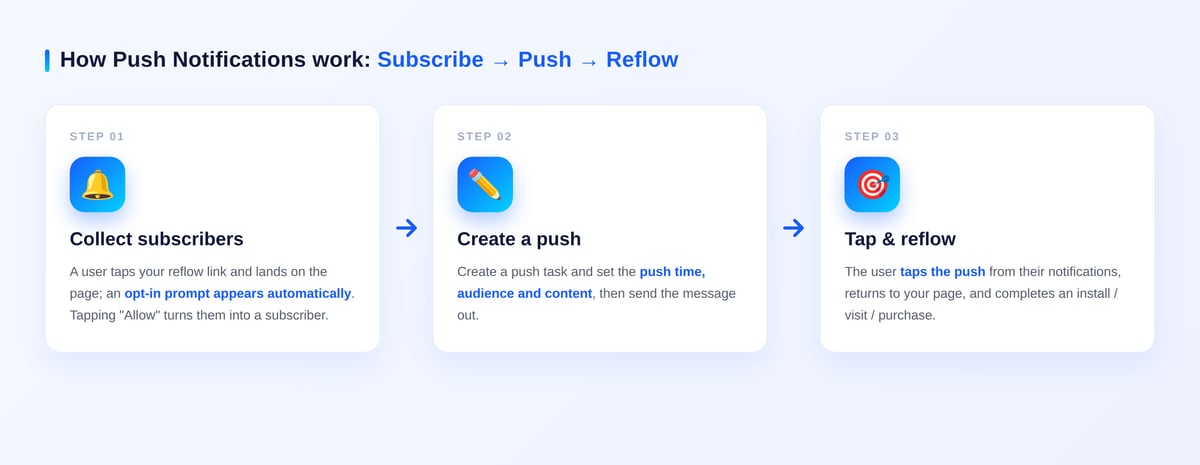
Push Notifications run as three tightly linked stages:

Stage 1 · Collect subscribers When a user taps your reflow link and lands on the page, the page requests notification permission. After they tap "Allow," they become a subscriber and are stored in the Push Notifications module. The opt-in requires no form filling at all — the barrier is extremely low.
Stage 2 · Create a push In the Push Notifications module you create a push task and set the push time, audience and content (the content is a pre-built push template), then send the message out.
Stage 3 · Tap & reflow Subscribers receive the push in their notification bar. Tapping it brings them back to the landing page you've set, triggering the next conversion (app install, site visit, purchase, etc.). Every valid click is recorded in the module's dashboard.
What the module does
The Push Notifications module brings subscriber capture, content prep, delivery and results into one place:
- Subscribed Users — view the size and details of your subscriber base, so you know how large your owned reach pool is.
- Click Records — view each push task's push count and clicks, with performance at a glance.
- Push Template — pre-configure the title, copy, icon and click-through URL of your push, then reuse it across tasks instead of re-entering everything.
- Create Push — send a message to subscribers based on a template and bring users back from their notification bar in one tap.
Supported products
Push Notifications currently supports two product categories — mobile apps and web conversions:
- Mobile apps: bring subscribers back to your app landing page to drive installs or re-launches.
- Web conversions: bring subscribers back to your site landing page to drive return visits, repeat purchases or other conversion goals.
Whether you're running app acquisition or independent-site campaigns, as long as your landing page collects subscribers, you can keep reaching them with Push Notifications.
Where it fits in the reflow system
Push Notifications isn't a standalone feature — it's connected to DeepClick's reflow links and billing system:
- Where subscribers come from: the moment a user taps the reflow link you're running and enters its landing page, the page automatically shows the notification opt-in prompt; tapping "Allow" makes them a subscriber. So the more reflow links you run and the more landing-page visits you get, the faster your subscriber pool grows.
- How billing works: Push Notifications consumes "WebPush clicks" — you're billed when a user clicks the push and successfully reflows, settled by regional tier. Sending the message itself is free; only a valid reflow click counts toward usage.
In short: the link builds your subscriber pool, and Push Notifications puts that pool to work.
Next step
Now that you know what Push Notifications can do, the next move is to get it running — from preparing your subscriber pool, to building a template, sending a push, and reviewing results. For the full walkthrough, see:
👉 Push Notifications Setup Guide: Customizable push content, Extra 1-5% conversion rate
